KidJamz KJ35
Safe Listening Headphones for Kids
Quickstart Guide
1. About Our Volume-Limiting Technology
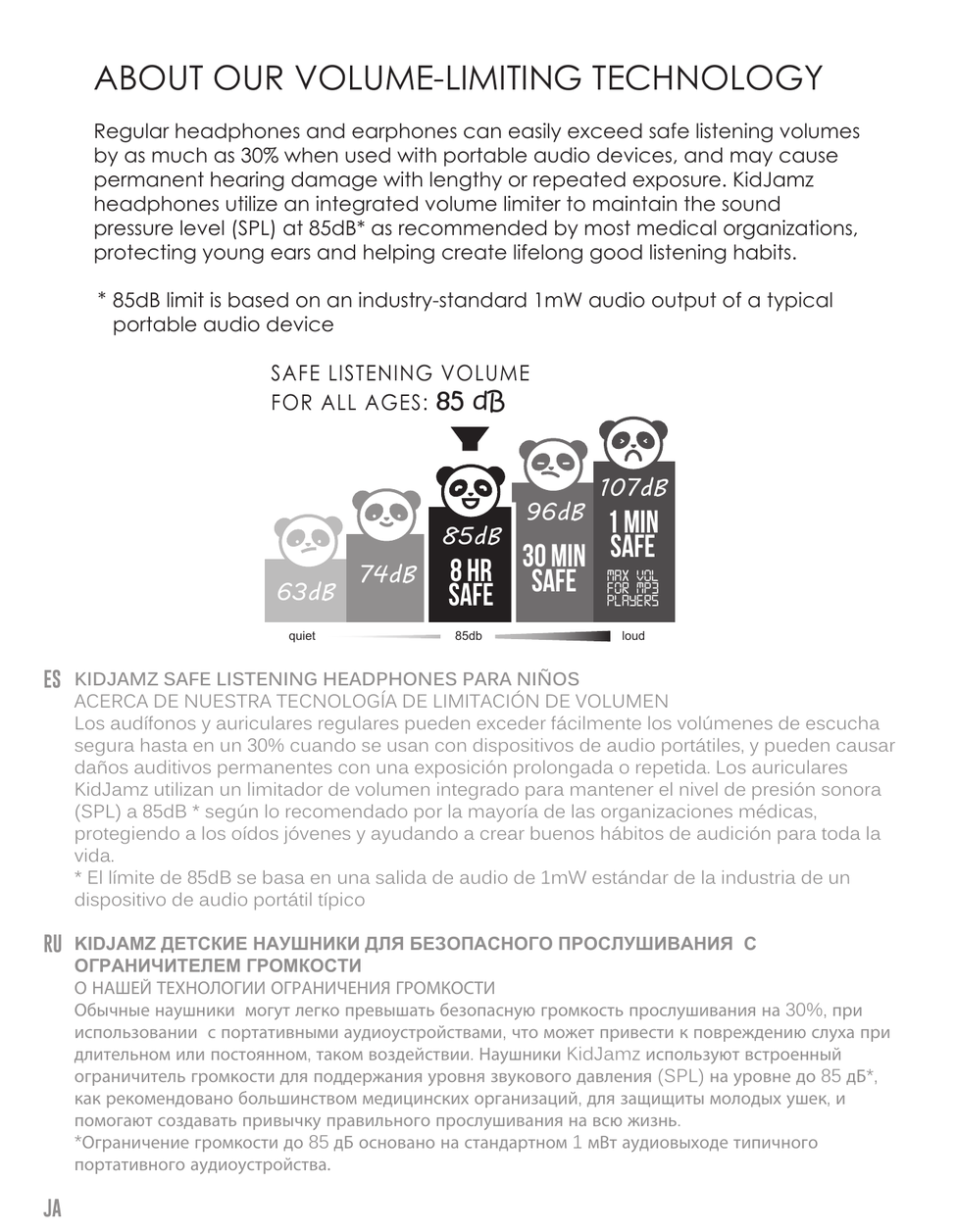
Regular headphones and earphones can easily exceed safe listening volumes by as much as 30% when used with portable audio devices, and may cause permanent hearing damage with lengthy or repeated exposure. KidJamz headphones utilize an integrated volume limiter to maintain the sound pressure level (SPL) at 85dB* as recommended by most medical organizations, protecting young ears and helping create lifelong good listening habits.
The chart above illustrates safe listening thresholds at various decibel levels: 63dB and 74dB are quiet listening levels; 85dB is safe for up to 8 hours and is the recommended limit for all ages; 96dB is safe for no more than 30 minutes; and 107dB — the maximum volume common on MP3 players — is safe for only 1 minute.
* 85dB limit is based on an industry-standard 1mW audio output of a typical portable audio device.
↑ Back to top2. Volume Limiter ON/OFF Switch
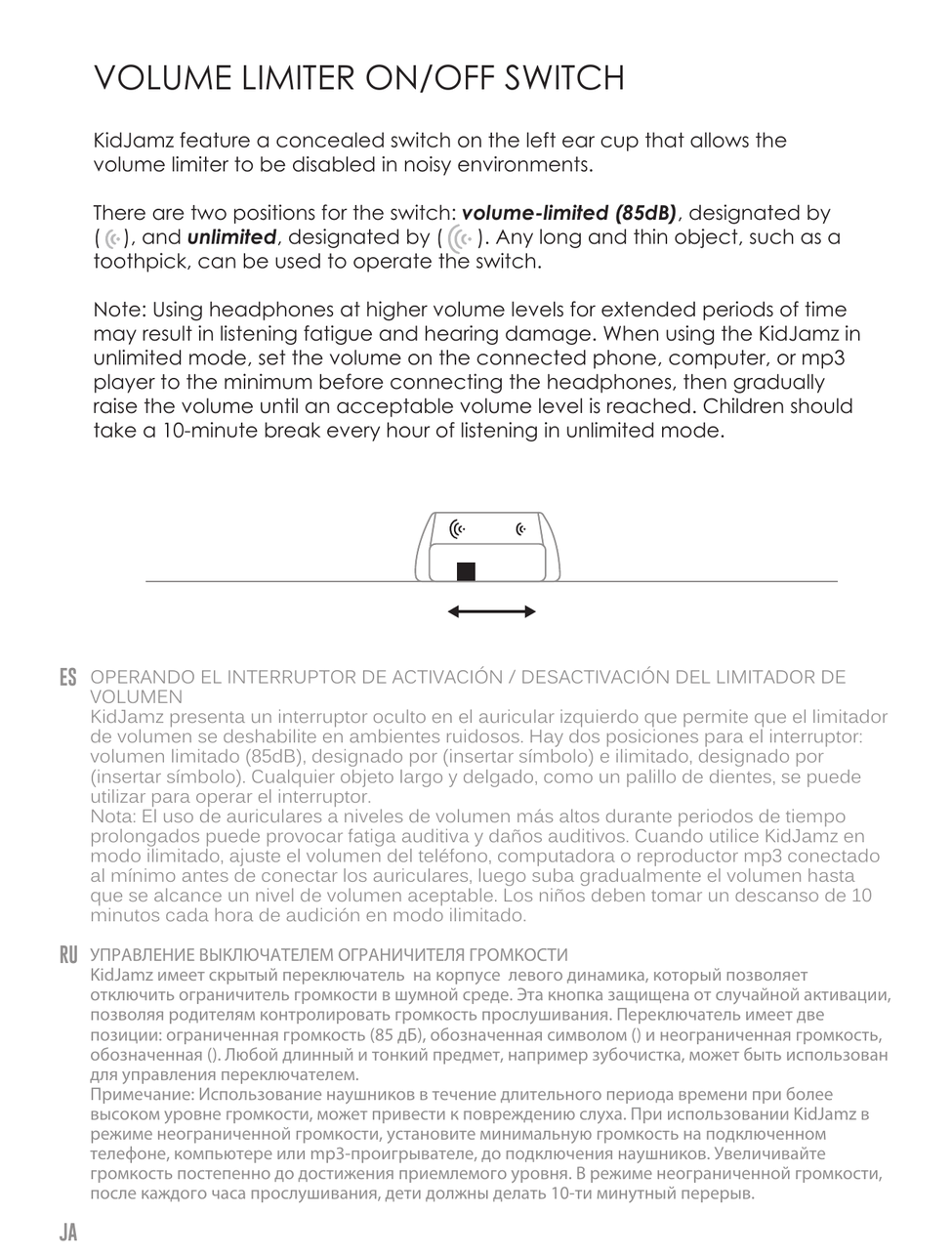
KidJamz feature a concealed switch on the left ear cup that allows the volume limiter to be disabled in noisy environments.
There are two positions for the switch: volume-limited (85dB) and unlimited. Any long and thin object, such as a toothpick, can be used to operate the switch.
Note: Using headphones at higher volume levels for extended periods of time may result in listening fatigue and hearing damage. When using the KidJamz in unlimited mode, set the volume on the connected phone, computer, or mp3 player to the minimum before connecting the headphones, then gradually raise the volume until an acceptable volume level is reached. Children should take a 10-minute break every hour of listening in unlimited mode.
3. Microphone and Remote
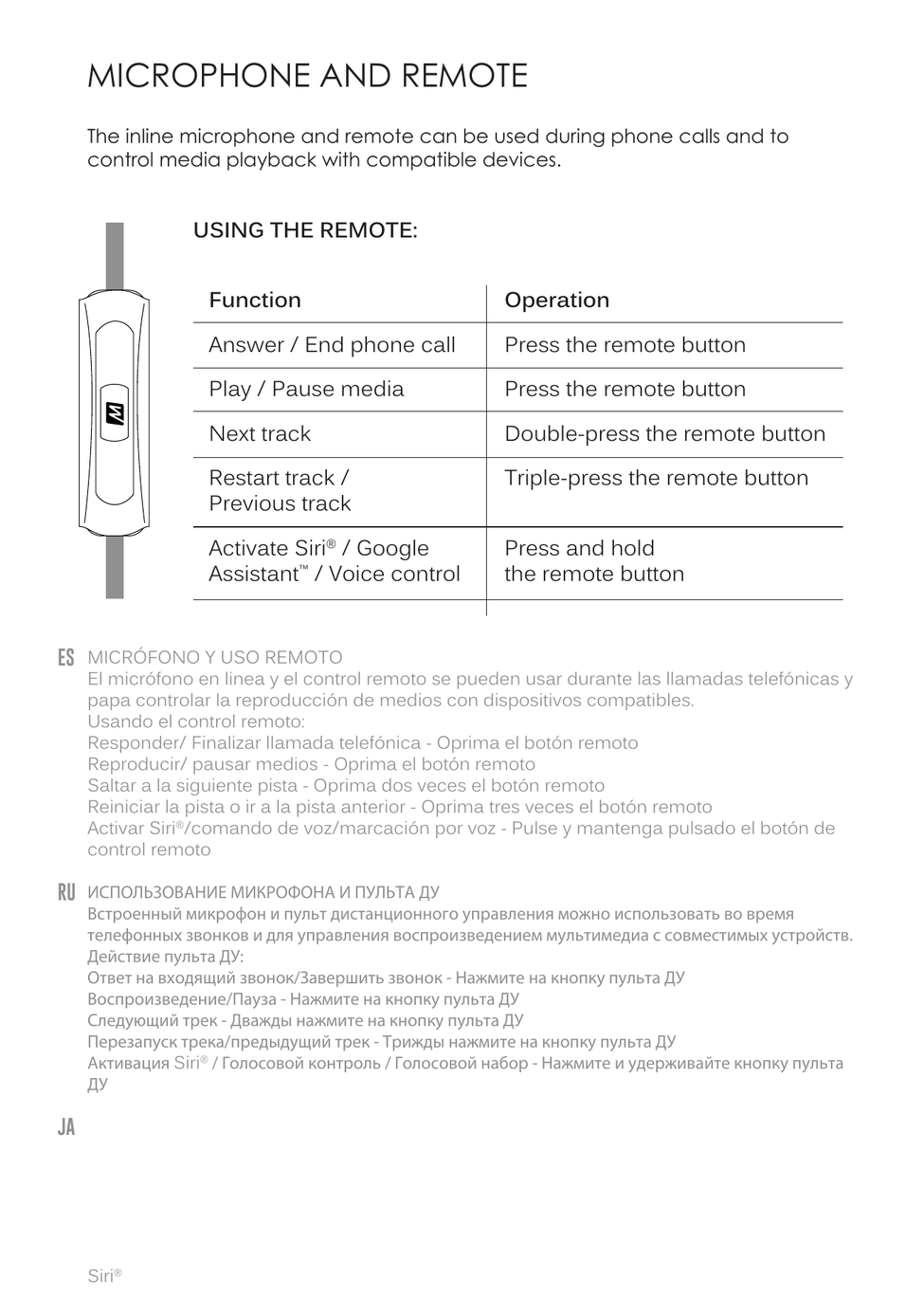
The inline microphone and remote can be used during phone calls and to control media playback with compatible devices.
Using the Remote
| Function | Operation |
|---|---|
| Answer / End phone call | Press the remote button |
| Play / Pause media | Press the remote button |
| Next track | Double-press the remote button |
| Restart track / Previous track | Triple-press the remote button |
| Activate Siri® / Google Assistant™ / Voice control | Press and hold the remote button |
4. Care Instructions
- Clean with a soft cloth, damp with diluted soap water solution if necessary. Do not use chemical cleaners.
- If the device comes in contact with liquids, quickly wipe away. If submersed in water, do not turn the device on until completely dried. Note: liquid submersion voids the warranty.
5. Warranty
MEE audio products purchased from authorized resellers are covered by a 1-year manufacturer warranty. For more information, contact your local MEE audio dealer or visit MEEaudio.com/support.
↑ Back to top6. Support
Questions? We're here to help!
Phone Support: 626-965-1008
Monday – Friday, 9:00 am to 5:00 pm PST
Email Support: support@MEEaudio.com
All emails are responded to within 2 business days.